
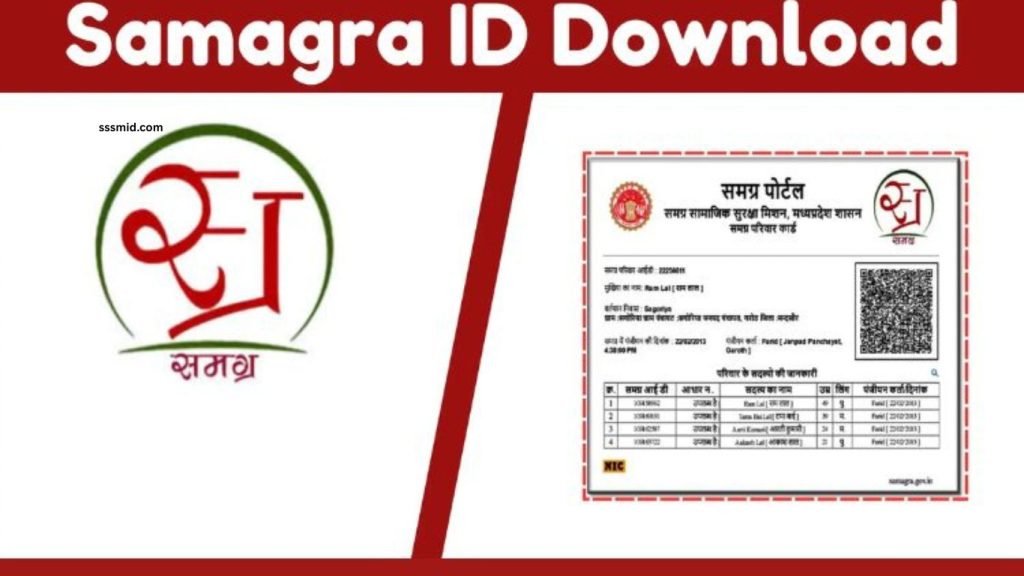
Samagra ID Card is an important digital identity document provided under the Samagra Social Security Mission for residents of Madhya Pradesh. It helps citizens access various government schemes, benefits, and services through a unique identification number.
With the growth of digital services, downloading a Samagra ID Card online has become a simple process that saves time and removes the need to visit government offices. This guide explains the complete process of downloading your Samagra ID Card online in an easy and user-friendly way.
Read More: Samagra ID eKYC Process Explained for Beginners
What Is a Samagra ID Card?
A Samagra ID Card is an official document connected with the Samagra Portal, which stores family and individual information registered under the Madhya Pradesh government system. Every registered family receives a unique Family ID, while each member gets a unique Member ID. This card works as proof of identity for accessing several welfare programs and government facilities.
The Samagra ID system helps the government maintain accurate records of citizens and ensures that eligible people receive benefits from different schemes. Citizens can use their Samagra ID for education support, pensions, scholarships, food-related services, and other government programs.
Why Is Samagra ID Card Important?
The Samagra ID Card plays an important role in connecting citizens with government services. It provides a convenient way to verify personal information and eligibility for various benefits. Many government applications require a Samagra ID number during registration and verification.
Having a digital copy of your Samagra ID Card makes it easier to access your information whenever required. Citizens can download and save the card on their mobile devices or take a printout for future use.
How to Download Samagra ID Card Online
Downloading a Samagra ID Card online is a straightforward process that can be completed through the official Samagra Portal. Users need a stable internet connection and basic information related to their registration.
First, visit the official Samagra Portal and open the option for downloading or viewing the Samagra ID Card. Enter the required details, such as your Samagra ID number or registered information, depending on the available search option.
After submitting the details, your Samagra profile will appear on the screen. Check all personal information carefully and select the option to download the Samagra ID Card. The card will be generated in digital format, which can be saved on your device or printed whenever needed.
How to Download Samagra ID Card Using Mobile
Mobile users can easily download their Samagra ID Card without using a computer. Open a web browser on your smartphone and access the Samagra Portal. Enter your details and complete the verification process.
Once your information appears, choose the download option and save the PDF file on your phone. Keeping a digital copy on your mobile allows quick access whenever you need to submit your Samagra details for any service.
Information Required for Samagra ID Card Download
To download your Samagra ID Card, you may need basic details connected with your registration. These details can include your Samagra ID number, family ID, member details, or other registered information.
Providing accurate information helps the system find your record quickly. If your details are incorrect or outdated, you may need to update your information through the appropriate Samagra services before downloading the card.
Common Problems While Downloading Samagra ID Card
Some users may experience issues while downloading their Samagra ID Card due to incorrect details, website errors, or internet problems. Entering the wrong ID number or personal information can prevent the system from displaying your record.
In case of technical issues, users can try again after some time or check their internet connection. Keeping your registered information updated also helps avoid problems during the download process.
How to Keep Your Samagra ID Card Safe
After downloading the Samagra ID Card, save the file in a secure location on your mobile phone, computer, or cloud storage. You can also print a copy and keep it for serious situations.
Avoid sharing your personal ID details with unknown people or unauthorized websites. Using official government platforms helps protect your information and ensures safe access to your Samagra services.
Benefits of Downloading Samagra ID Card Online
The online download facility provides convenience for citizens by reducing paperwork and saving valuable time. People can access their identity details anytime without visiting government offices.
A digital Samagra ID Card can be used whenever required for government applications, verification processes, and online services. It makes managing important documents easier in the digital era.
Frequently Asked Questions
What is a Samagra ID Card?
Samagra ID Card is a digital identity document used by Madhya Pradesh residents to access government services and schemes.
How can I download my Samagra ID Card online?
You can download it by visiting the official Samagra Portal, entering your details, and selecting the download option.
Can I download Samagra ID Card on mobile?
Yes, you can download your Samagra ID Card easily using a smartphone and internet browser.
What details are needed to download Samagra ID Card?
You may need your Samagra ID number, Family ID, Member ID, or registered personal details.
Is Samagra ID Card download free?
Yes, downloading your Samagra ID Card online is free through the official portal.
Can I print my Samagra ID Card after downloading?
Yes, you can save the digital copy and take a printout whenever required.
Conclusion
Downloading a Samagra ID Card online is a simple and useful process that allows citizens to access their important identification document from anywhere. The digital system makes government services more accessible and improves convenience for users. By following the correct online process, residents can quickly download, save, and use their Samagra ID Card whenever required. Keeping this document secure and updated ensures smooth access to various government benefits and services.