
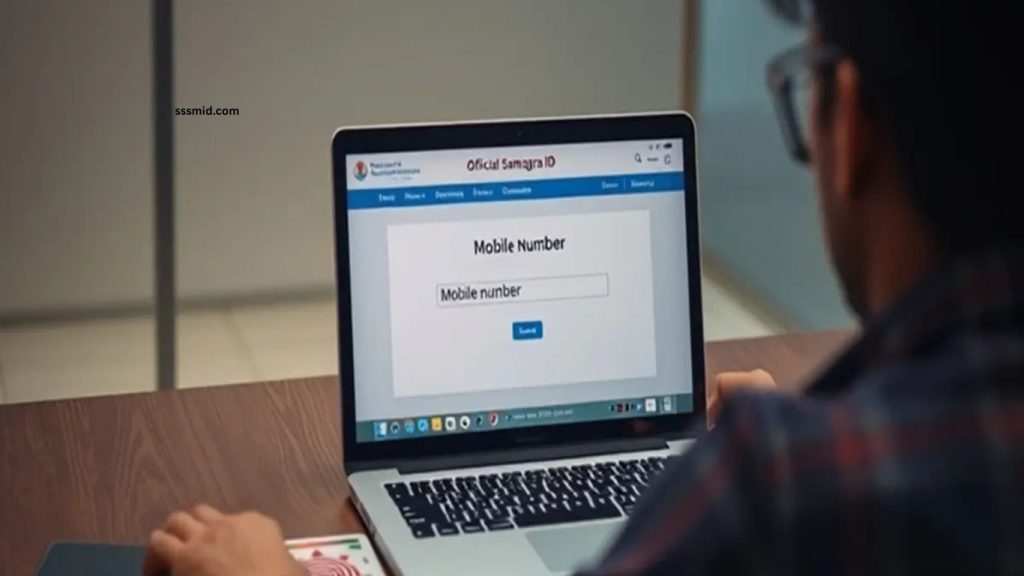
Samagra ID is an important digital identity system used by residents of Madhya Pradesh to access various government services, schemes, and benefits. A registered mobile number helps users receive important notifications, complete verification processes, and maintain accurate personal information within the Samagra portal. Keeping the mobile number updated ensures smooth access to different online facilities.
Many users change their mobile numbers due to personal reasons, lost SIM cards, or security concerns. Updating the mobile number in Samagra ID helps avoid problems during login, OTP verification, and communication related to government services. The process is simple and can be completed through online and offline methods.
Read More: Samagra Family ID vs Member ID: What’s the Difference?
Why Updating Mobile Number in Samagra ID Is Important
A mobile number connected with Samagra ID works as a communication link between citizens and government services. An updated number allows users to receive OTPs, scheme-related updates, and important alerts without interruption.
An incorrect or inactive mobile number may create difficulties while accessing online services. Users might face issues during authentication or while applying for benefits that require mobile verification. Updating the information regularly keeps the Samagra profile accurate and secure.
Requirements for Changing Mobile Number in Samagra ID
Before updating the mobile number, users should keep their Samagra ID details available. The new mobile number should be active and accessible because verification may require an OTP.
Users should also ensure that their personal details in the Samagra profile match official records. Correct information helps complete the update process without delays.
How to Update Mobile Number in Samagra ID Online
The Samagra ID mobile number update process can be completed through the official Samagra portal. Users need to visit the website and access the citizen services section. After entering their Samagra ID details, they can choose the option related to updating personal information.
The user needs to provide the new mobile number and complete the verification process. After successful OTP verification, the updated mobile number gets linked with the Samagra ID profile.
The online process saves time because users can update their details without visiting a government office. However, availability of specific update options may depend on current portal features and user verification requirements.
How to Change Mobile Number in Samagra ID Through Offline Method
Users who cannot update their mobile number online can visit their nearest Samagra service centre, local government office, or designated authority. They need to provide their Samagra ID details along with the new mobile number.
Officials verify the information and process the request according to government guidelines. Once approved, the new mobile number becomes updated in the Samagra database.
The offline method is useful for users who need assistance or face technical difficulties while using the online portal.
Common Problems During Mobile Number Update
Some users may experience issues while changing their mobile numbers in Samagra ID. OTP failure, incorrect personal details, inactive numbers, or technical problems can delay the process.
Checking the entered information carefully and using an active mobile number can reduce these issues. If the problem continues, users can contact the Samagra support team or visit an authorised centre for help.
Benefits of Keeping Samagra ID Details Updated
Maintaining updated information in Samagra ID improves access to government services and reduces verification problems. A correct mobile number helps users stay informed about important updates, applications, and welfare schemes. Regularly checking personal details also improves data accuracy and makes digital services more convenient for citizens.
Frequently Asked Questions
How can I update my mobile number in Samagra ID?
You can update it through the Samagra portal or by visiting an authorised centre.
Is an OTP required for mobile number update?
Yes, OTP verification is generally required to confirm the new mobile number.
Can I change my mobile number offline?
Yes, you can visit a Samagra service centre to request an update.
What details are needed for updating the number?
You need your Samagra ID details and an active new mobile number.
How much time does the update take?
The update time depends on verification and processing by authorities.
Why should I update my Samagra mobile number?
An updated number helps receive alerts, OTPs, and government service updates.
Conclusion
Updating your mobile number in Samagra ID is an essential step for maintaining accurate personal information and accessing government services smoothly. Whether using the online portal or visiting an authorised centre, users can complete the update process easily by following the required verification steps. Keeping the registered mobile number active ensures uninterrupted communication, faster OTP verification, and better access to Samagra-related facilities.